


Originally Posted by HachiDori
hmmm awesome thanks..
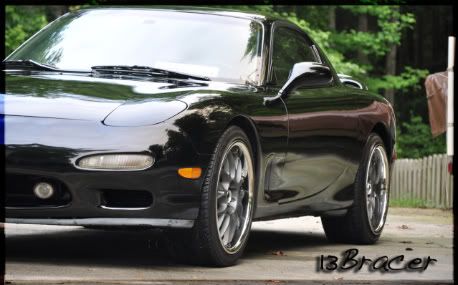
well the borders...i guess those are just brushes used..cause ive seen some that have like a graffitti border?




hmmm awesome thanks..
well the borders...i guess those are just brushes used..cause ive seen some that have like a graffitti border?
NIKON D90 | Sigma 10-20mm | 18-105mm | 50mm 1.8 | SB-600 speedlightNIKON Squad
 Posting Permissions

 Reply With Quote