




Here's what I did.Originally Posted by DC2girl
1. Use selection tools to select the area you want to change
2. Use Image -> Adjustments -> Hue/Saturation. Where it says Master, change to the color you are changing and move the bars to get around the color you want.
3. Keep area selected and go to Image -> Adjustments -> Match Color and move those bars to get desired color.
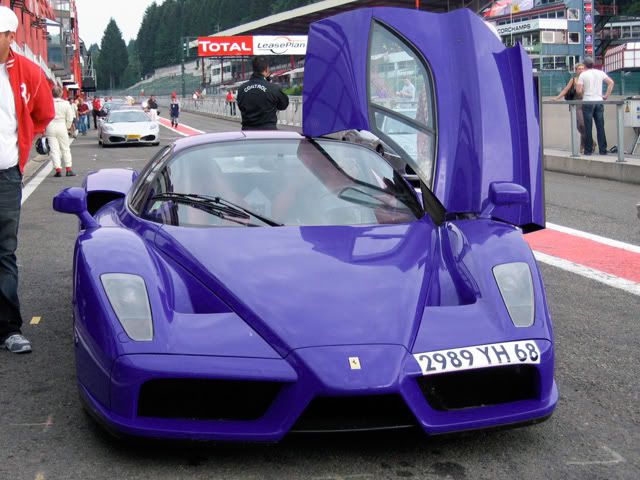
Examples.
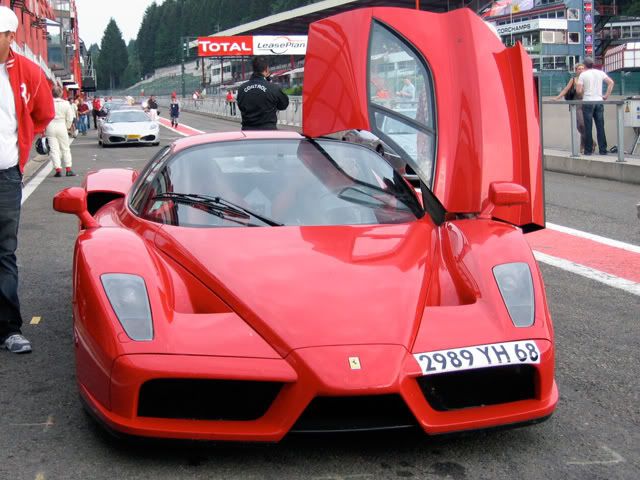
Original:
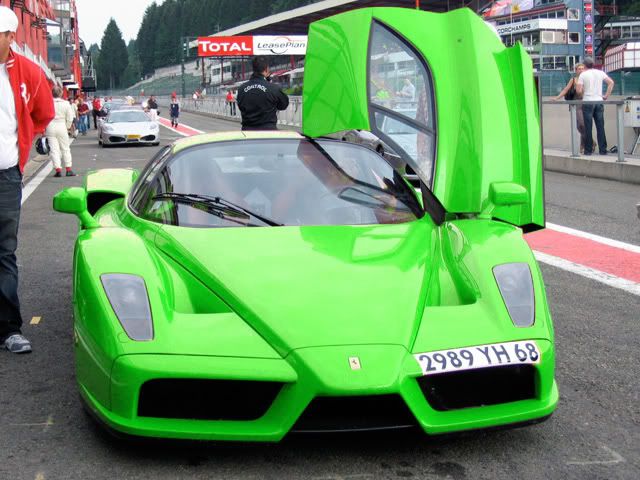
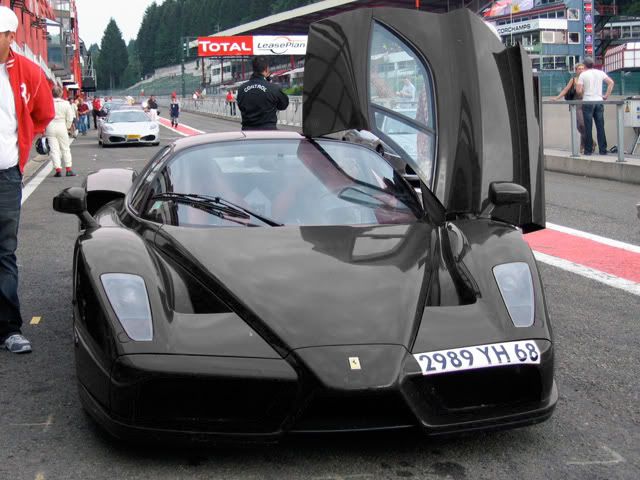
Whole Car Color:
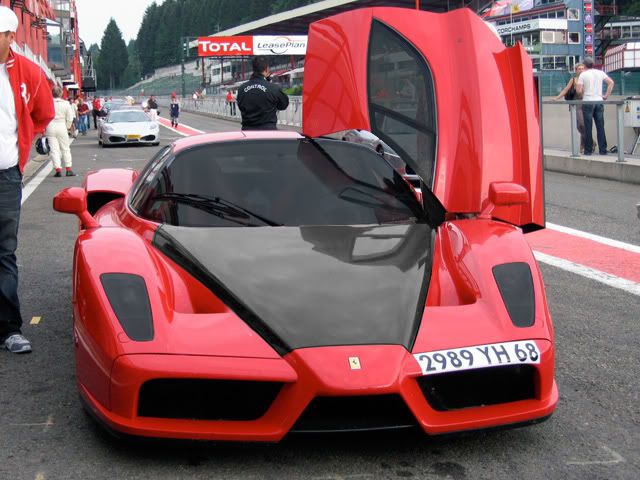
Partial Selection (2sec job, but you get the idea):

 Reply With Quote