LINK!!!
Here you go. Later, QD.


 Paper airplanes...
LINK!!!
Here you go. Later, QD.

I cant damn stop, doing itOriginally Posted by quickdodge®
Same here. Another one of those ****ing games, lolol. Can't get it out that window for ****. Later, QD.
HAHAHAH GOOD FIND...
you went-38.835
global rank-24240
(edit)did a lil better
you went-42.861
global rank-23714
NIKON D90 | Sigma 10-20mm | 18-105mm | 50mm 1.8 | SB-600 speedlightNIKON Squad
almost out da window.
ive got it out the window twice...lol
****s rough
NIKON D90 | Sigma 10-20mm | 18-105mm | 50mm 1.8 | SB-600 speedlightNIKON Squad
you went 67.528
your rank 1
p.s I am so full of **** about 1.
It list my rank as -

66.03m so far
ooohh look at this one!!!!!!!
thats SOME BULL****
IT said my global rank was 19758
not 23716 WTF

NIKON D90 | Sigma 10-20mm | 18-105mm | 50mm 1.8 | SB-600 speedlightNIKON Squad
DAMN PROPS TO YOU MY FRIEND
NIKON D90 | Sigma 10-20mm | 18-105mm | 50mm 1.8 | SB-600 speedlightNIKON Squad
got one person to break 100 meters in my office! Rank was 10k or so.
Finally, lolol. Later, QD.
Getting better. Later, QD.
hahah nice QD
damn anybody have the plan do like a million loops on them? lol
NIKON D90 | Sigma 10-20mm | 18-105mm | 50mm 1.8 | SB-600 speedlightNIKON Squad


WHAT NOW BITSHES!!!
i have hit that stupid wall like 10 times
im catching up

NIKON D90 | Sigma 10-20mm | 18-105mm | 50mm 1.8 | SB-600 speedlightNIKON Squad
no, WHAT NOW!!!

I got on the rooftop...best I've gotten so far.
14.926 meters.
14.989 for me. I keep hitting the damn chimmny
Now what, assholes. Later, QD.
This is annoying...I don't know how I got the rooftop that time.
not fair, that's a differant game
LOLOL!!!! There is a link to that one at the bottom of the original. XBOX 360 paper airplane. Later, QD.
69.588 now
Arrghhh, how do you do the flipping screen shots. It's been awhile since I have done it, I'm doing it wrong.
I just hit PRINT SCREEN button and then open up PAINT and hit CNTRL V. Later, QD.
That's whats up.
Last edited by Echonova; 10-10-2007 at 02:56 PM.
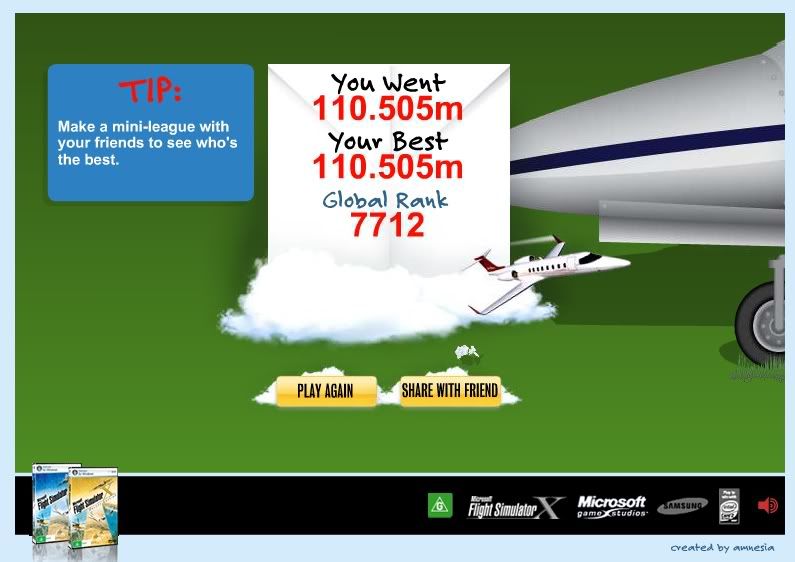
owned.
edit
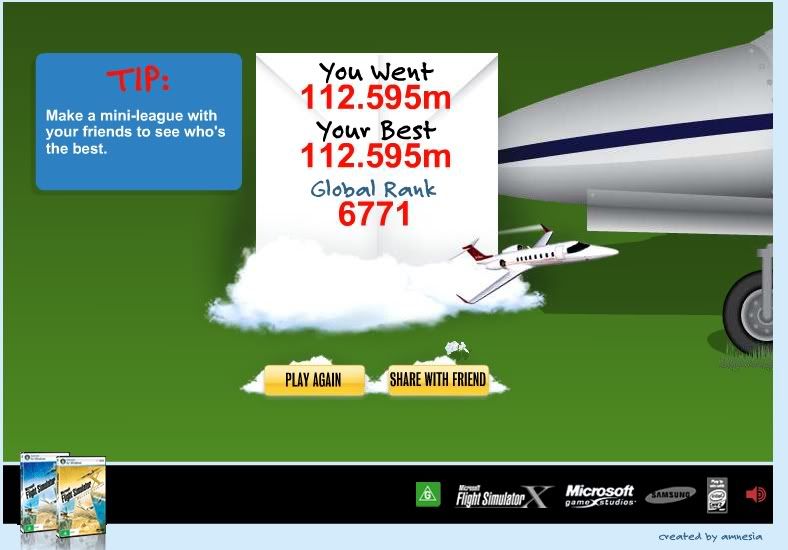
Last edited by MikeyPrzy; 10-10-2007 at 03:00 PM.
Now you tell me..LOL thanks.
got mine out the window
so far 75.314m
Hold down ALT and Print Scrn to capture just the current window.
LOL great game i suck at it
Currently Active Users Viewing This Thread: 13 (13 members and 0 guests)
MikeyPrzy, bigdare23, HypnoToad, Brut, eghonda88, Dracc, dartingd, DaMaGe H22A, Echonova, Killer, wantboost, Init2winit, 13Bracer
Lets hear your high score b!tches.
93.319m now i keep hitting the damn ceiling fan
I don't have to hold down ALT on my computer. Later, QD.
Print screen normally captures the entire screen while alt-print screen just captures the active window (no tool bar, background, other windows, etc.)
 Posting Permissions

 Reply With Quote