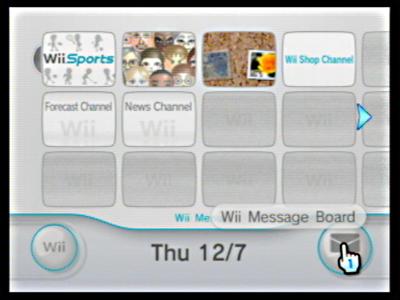
Click the
wii message board icon. This is found on the bottom right corner of the main screen.
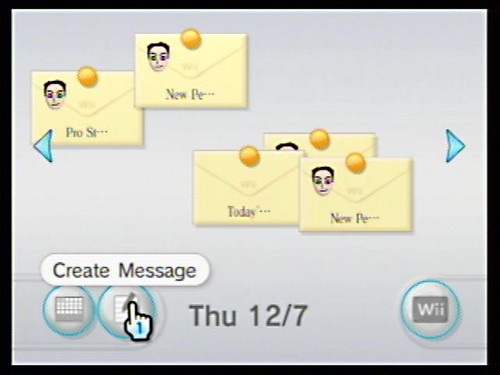
Next, select the
Create Message button on the bottom left corner of the Message screen.
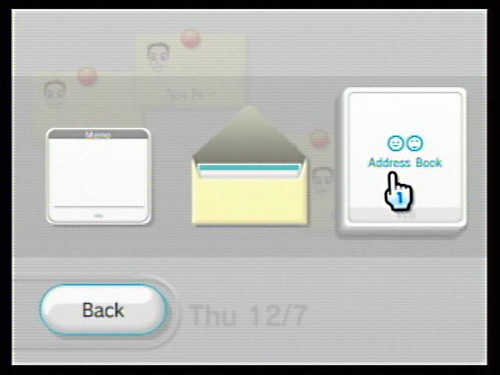
Now, click the
Address Book in the Create Message screen.
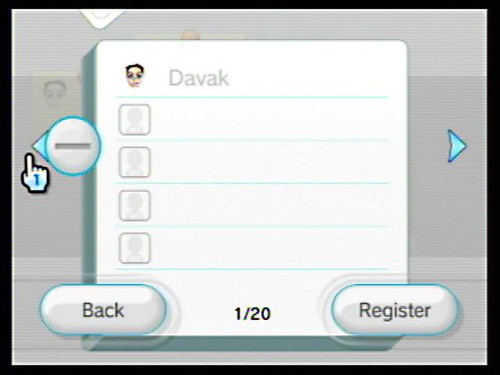
If you have people in your address book, then your contacts will be displayed. Click the
(-) button on the left side of the screen. If you don't have contacts, you will jump automatically to the next screen.
Finally, we find the your
wii console number. This will be the number that you send to your friends so they can add you to their systems.
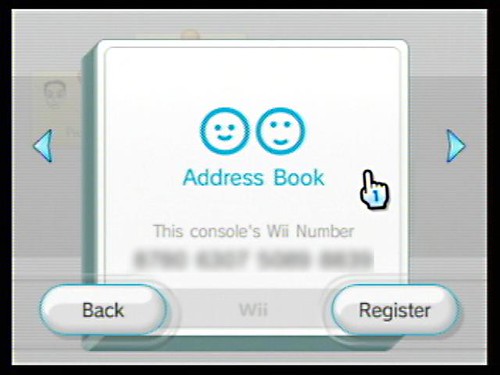
Also, by clicking the register button here, you can add your friends (via their wii numbers) to your system.



Originally Posted by link


 Wii number (post up)
 Posting Permissions

 Reply With Quote